Table of Contents
Luckybet777 Common Errors & How to Fix Login/Download Problems (918Kaya Papua New Guinean Guide)
If you play 918Kaya on LUCKYBET777, chances are you’ve run into a login issue, slow loading, or a download error at least once. These problems are common across Papua New Guinean online casino apps, especially those running third-party APKs. The good news is that most of these issues are easy to fix once you understand what causes them.
Why 918Kaya Errors Happen on LUCKYBET777
918Kaya is a mobile-focused slot platform. It runs on APK files, which means your device security settings, network provider, and storage space all affect whether the app loads properly.
Most issues fall into a few categories:
- Network instability or blocked connections
- Old version of the APK
- Android security restrictions
- Device storage or cache problems
- Multi-device login conflicts
- Incorrect username/password
- Server maintenance or updates
Understanding which category your problem fits into helps you fix it faster. Let’s go step by step through the specific errors Papua New Guinean players see most often.
1. 918Kaya Login Error: “Incorrect Password” Even When It’s Correct
This is one of the most common complaints. You type the right password, but 918Kaya still rejects your login.
Why it happens
- You entered the wrong uppercase/lowercase combination.
- The password was saved incorrectly in auto-fill.
- The account was logged in on another device.
- The server temporarily failed to verify your credentials.
How to fix it
Step 1: Clear saved password from your keyboard or browser auto-fill.
Step 2: Retype the password manually in lowercase first.
Step 3: Make sure no one else or no other device is logged in with your account.
Step 4: Reset your password through LUCKYBET777 support if you still can’t log in.
If you share your account with friends or try to use it on multiple phones, this error becomes more common. Stick to one device whenever possible.
2. 918Kaya Login Error: “Account Temporary Locked”
This happens when the system detects unusual login activity.
Why it happens
- Too many failed password attempts
- Logging in repeatedly within a short time
- Switching devices without a proper logout
- Using mobile data that changes IP too often
How to fix it
- Stop trying to log in for 5–10 minutes.
- Restart your device so your network refreshes.
- Make sure you’re using the same device you normally use.
- Contact LUCKYBET777 support to unlock instantly if needed.
918Kaya’s security is stricter than Mega888 or VPower, so minor suspicious behaviour can trigger a temporary lock.
3. 918Kaya Cannot Download: APK Refused or Blocked
This is extremely common in Papua New Guinean because Android devices automatically block unknown apps unless you permit it.
Why it happens
- Your device doesn’t allow installation from external sources
- Your browser blocked the APK
- Antivirus flagged it
- The download page cached an older version
- Your storage is full
How to fix it
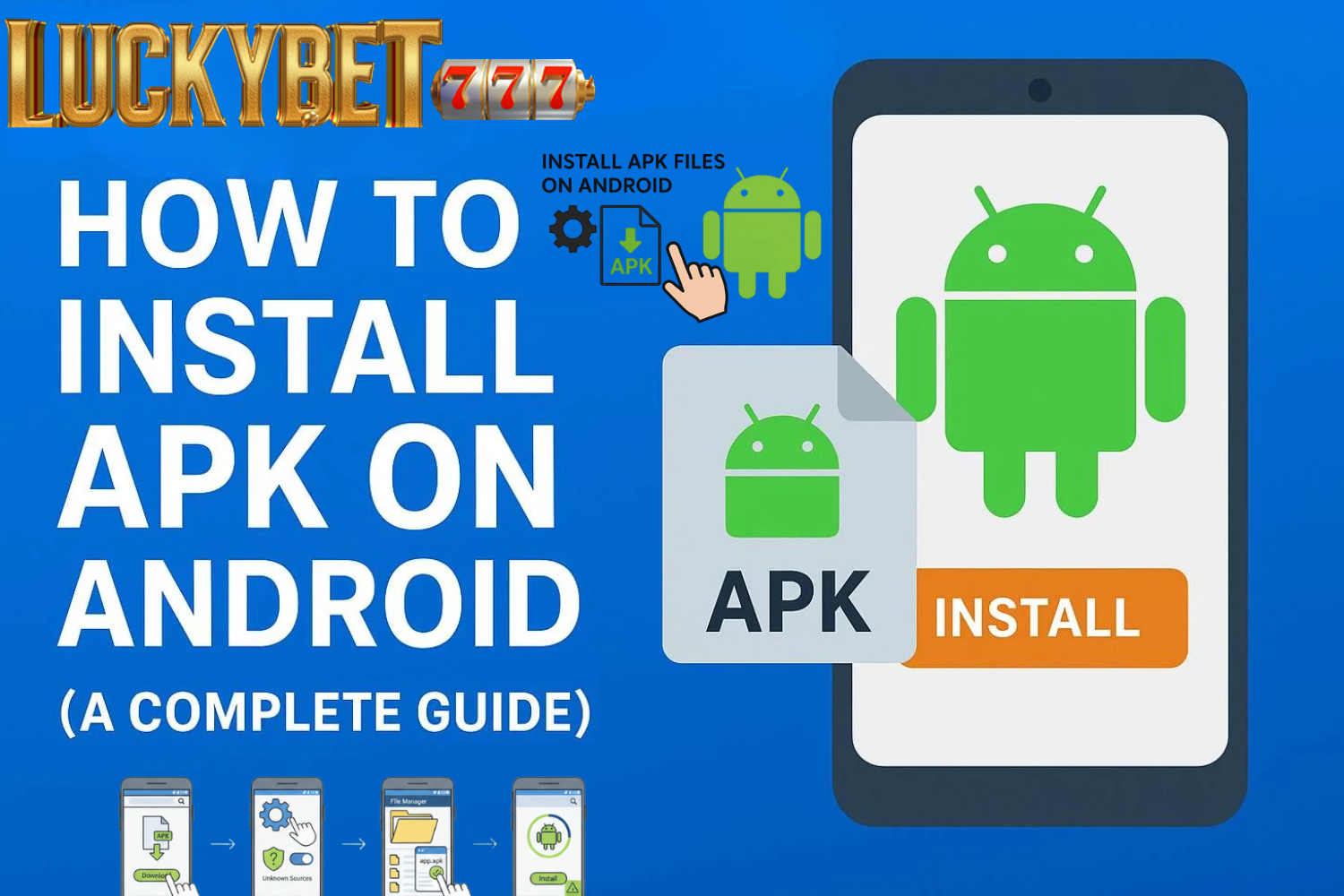
Step 1: Enable “Install Unknown Apps”
Go to Settings → Security → Install Unknown Apps → Allow for your browser.
Step 2: Delete old or incomplete APK files
Sometimes the file is corrupted because your download didn’t finish.
Step 3: Download directly from LUCKYBET777
Avoid third-party mirrors as they may serve outdated or incompatible versions.
Step 4: Make sure you have at least 1GB free space
918Kaya installs more smoothly when storage isn’t tight.
Once you install the new version, update the app regularly to avoid future issues.
4. 918Kaya App Crashes or Won’t Open
Sometimes you tap the app, and it closes instantly without loading. This is usually related to your device cache or outdated data.
Why it happens
- Your phone cached an older version
- The app stored conflicting data from previous installations
- Your device’s RAM is too full
How to fix it
- Hold down the app icon → tap App Info → Clear Cache.
- Restart your phone completely.
- If the problem persists, uninstall the app and reinstall the latest version from LUCKYBET777.
Avoid keeping too many apps running in the background. Older Android devices struggle when RAM is below 20%.
5. 918Kaya Update Error: “Please Download Latest Version”
This error usually appears when your version is outdated, even if you installed it recently.
Why it happens
- The platform forced a security update
- You installed an older APK from a third-party website
- Your device is still using the cached installation file
How to fix it
Step 1: Delete the old APK file.
Step 2: Download the latest version from LUCKYBET777’s 918Kaya page.
Step 3: Restart installation with a clean file.
Step 4: Tap “Allow Updates From This Source” if your device blocks it.
Never update from unknown websites because version numbers often don’t match the server version.
6. Multi-Device Login Issue: “Account Logged in Elsewhere”
918Kaya doesn’t allow simultaneous login sessions. If you switch devices too quickly, the system may block the session entirely.
Why it happens
- Logging in at the same time on two phones
- Switching from mobile to PC emulator
- Device IP mismatch
- Another user has your login details
How to fix it
- Log out properly before switching devices.
- Restart the app on your main device.
- Change your password immediately if you suspect someone else is accessing it.
- Contact LUCKYBET777 if your account remains locked unexpectedly.
Keep your login private. Sharing accounts dramatically increases lock risks.
7. 918Kaya Black Screen / Loading Screen Stuck
This often looks like a frozen app. Usually, it’s a network issue or a failed connection to the 918Kaya servers.
Why it happens
- Slow Papua New Guinean mobile data
- Public WiFi blocking gaming traffic
- Server congestion during peak hours
- Background downloads on your device slowing down bandwidth
How to fix it
- Switch from mobile data to home WiFi or vice versa.
- Restart your router if you’re on home broadband.
- Close heavy apps like TikTok, Instagram, or YouTube running in the background.
- Clear 918Kaya cache and re-open the app.
Peak hours (8pm–11pm) are when players usually experience this problem.
8. Installation Error: “App Not Installed”
This is usually because your device already has conflicting files.
Why it happens
- Previous installation left leftover files
- APK signature mismatched after update
- Storage nearly full
- Android blocked the installation due to security settings
How to fix it
- Uninstall the current version completely.
- Delete any residual folders in File Manager under “Android/OBB”.
- Download a fresh APK from LUCKYBET777.
- Ensure you have enough free space.
If you still see the error, restarting the phone usually solves it.
9. Network Error: “Unable to Connect to Server”
918Kaya depends on real-time communication with the game server. If your phone struggles to maintain the connection, the app will refuse login.
Why it happens
- Internet speed drops below 2 Mbps
- Your network provider blocks certain routes
- DNS conflict
- Temporary server updates
How to fix it
- Switch to a different network provider (yes, even switching from Digi to Maxis works).
- Reset your phone’s network settings.
- Clear your DNS by toggling Airplane Mode on and off.
- Try again after 10 minutes if the server is under maintenance.
Most Papua New Guinean players fix this instantly by switching between data and WiFi.
10. 918Kaya Wrong Version Error
This error typically appears after updates when the server has switched to a newer build.
How to fix it
- Uninstall the old version fully.
- Download the newest version from LUCKYBET777.
- Avoid outdated third-party APK mirrors.
918Kaya updates quietly in the background, so having the newest file is crucial.
11. Device Compatibility Issues
Older smartphones may not support the latest version of 918Kaya.
Signs your phone is incompatible
- Random crashes
- Lag when loading games
- App force closes during gameplay
- Missing animations or sound
Solutions
- Free up at least 20% of your internal storage.
- Close all apps before launching 918Kaya.
- Use a 64-bit device for smoother gameplay.
- Consider updating your Android version if available.
Stable performance makes a huge difference in slot games.
Final Tips for Smooth 918Kaya Gameplay on LUCKYBET777
- Always download from LUCKYBET777 to avoid mismatched versions.
- Restart your phone once every 2–3 days to clear background errors.
- Keep at least 10–20% free device storage.
- Use WiFi for downloading the app and updates.
- Avoid playing while using VPN unless absolutely necessary.
A clean device and updated APK dramatically reduce 918Kaya issues.